this is my personal notes...
As hosts it is a system file, you'll need administrative rights to save changes to the file.However, you can edit it using terminal commands such as
sudo nano /etc/hosts
or
sudo gedit /etc/hosts
You can also replace the nano or gedit on the command to start your favorite text editor. When you're finished editing the file in nano, you can press Ctrl+X and then y to confirm the overwriting of changes.
How to understand the format of the contents of the hosts file?
In the hosts file each record is on its own line. For the purposes of our article you can use a very simple syntax - you type the IP address to which you want to redirect the host name (domain), then the tab character (TAB) and the actual domain. For example, to block Facebook, you can enter 127.0.0.1-facebook.com where is - the Tab key on your keyboard. To make sure it is entered correctly, you can also look at the screenshot and compare it with what is in your file.

Here is another example of use of this opportunity. For example, if your home network isthe computer (for example, its IP address is 192.168.100.1) running a simple websitethat makes something useful for you. You can enter the following in the hosts file: 192.168.100.1-myhomeserver. Now, if you open your browser and just type in the address bar http://myhomeserver it will automatically show you the contents of the host192.168.100.10. It is much easier than to enter the IP address every time.
Potential problems
The only problem that I came across, related to the work of the Chrome browser. Chrome tends to ignore the hosts file, if you don't do at least one of two possible things:
- to enter http:// in front of each address. For example, if you blocked Facebook via hosts file, Chrome will bypass the lock if you simply enter facebook.com in the address bar. If you enter http://facebook.com in the address bar, Chrome "listen" hosts file and block the website of this social network.
- disable the option "Use a web service to help resolve navigation errors" in the Chrome settings, and then you don't have to type http:// before the address each time
source : https://mintguide.org/system/466-hosts-change-and-manage-the-etc-hosts-file-in-linux-mint.html
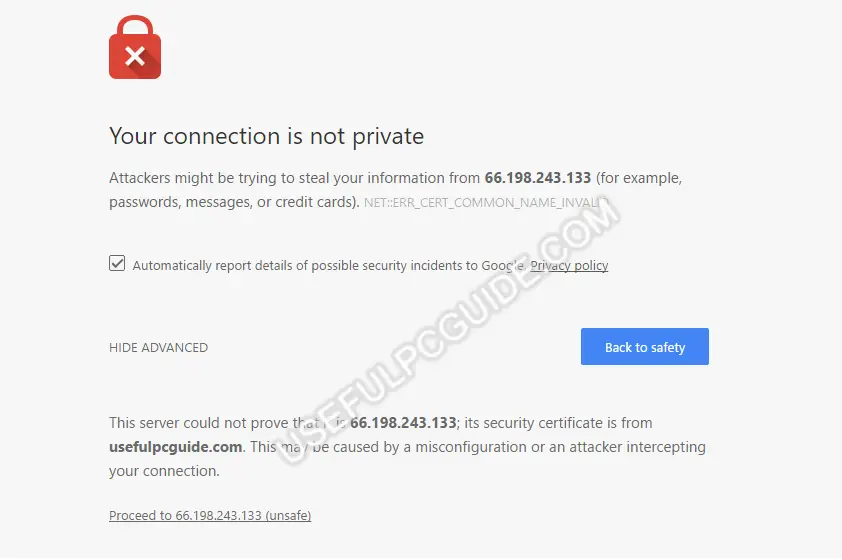 sumber : https://whatsabyte.com/featured/your-connection-is-not-private/